Cordless Vacuum Not Working? 5 Quick Fixes to Try
Why isn’t my cordless vacuum working?
A cordless vacuum can stop working for a handful of practical reasons, and most are quick to check at home. Start with the basics: power, airflow, and anything that might be preventing the motor from running safely.
1) The battery isn’t charging or holding a charge
If the vacuum won’t turn on, confirm the charger is firmly connected at both ends and the outlet works. Check for charging indicator lights and try charging for the full recommended time. If it powers on briefly and dies fast, the battery may be worn out or not seated correctly; remove and reinstall it if your model allows.
2) A clog is cutting off suction (or triggering a safety shutoff)
Many cordless vacuums slow down or stop when airflow is blocked. Inspect the floor head, wand, and dust pathway for hair, debris, or a stuck object. Also check the bin inlet and any internal ports where lint can accumulate.
3) The bin is full or not sealed
An overfilled dust cup can reduce suction dramatically, and a misaligned bin can cause air leaks that make the vacuum seem “dead.” Empty the bin, wipe the seals, and reattach it until it clicks into place.
4) Filters are dirty or damp
Clogged filters can make the vacuum lose suction or overheat. Remove the filters and clean them as directed (often a gentle tap-out or rinse). If rinsed, let them dry completely—running with a damp filter can restrict airflow and strain the motor.
5) The brush roll isn’t spinning
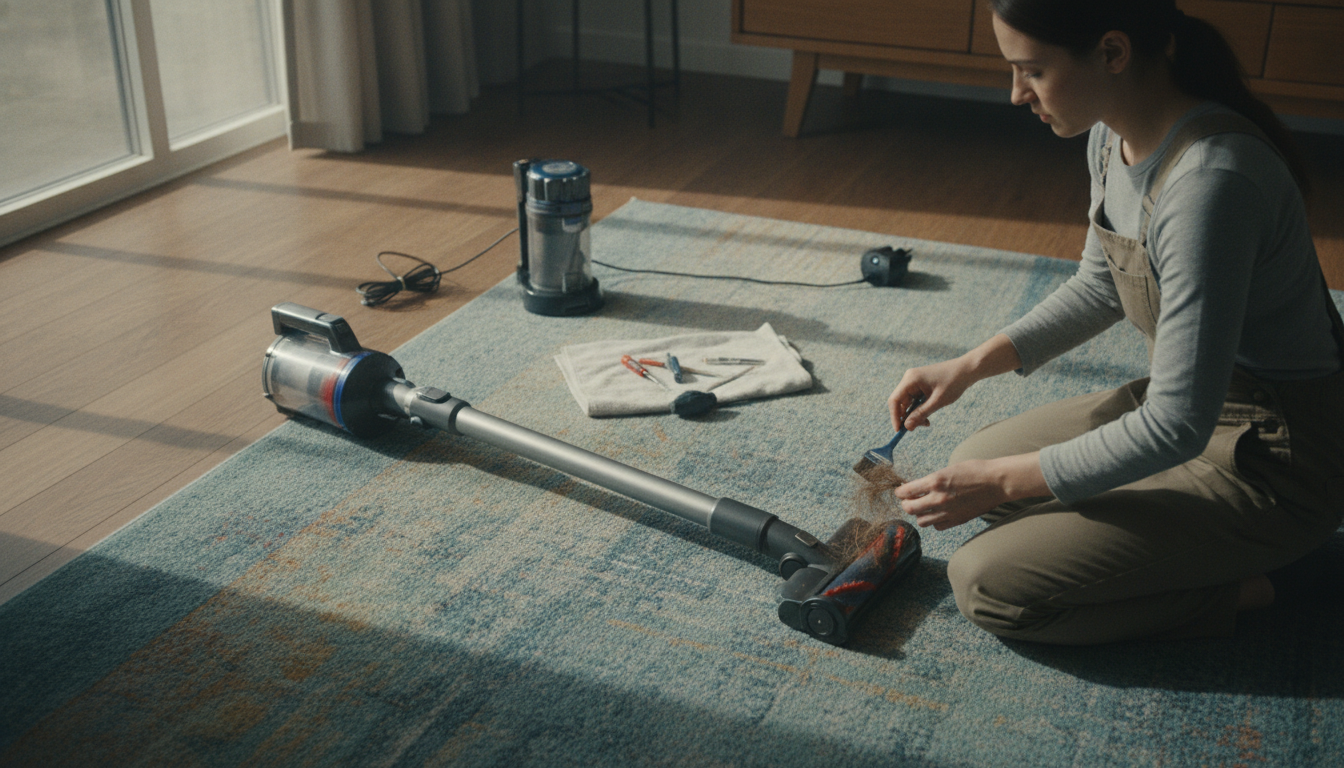
If the vacuum runs but won’t pick up from carpet, the brush roll may be jammed with hair or thread. Power off, clear tangles, and make sure the head is fully snapped on. Some models also have a brush roll on/off setting that can be accidentally toggled.
For a deeper step-by-step checklist and model-specific tips, visit https://operena.com/why-isn-t-my-cordless-vacuum-working/.
FAQ
How do I clean a cordless vacuum filter?
Remove the filter and follow your manual: many are tapped out over a trash can, while washable filters can be rinsed with cool water. Let the filter air-dry completely (often 24 hours) before reinstalling to restore airflow and prevent overheating.









Leave a comment